Article
Service Orchestration vs. Club Management Software: What Each Actually Does
Understand the difference between your system of record and a coordination layer. Includes a five-scenario checklist for your next software demo.
David LeibellOctober 20, 20266 min read

Club management software serves as your system of record, handling the essential data of membership, billing, and reservations. Service orchestration is a coordination layer that uses that data to route tasks, ensure ownership across departments, and track follow-through to completion. While the two categories overlap, they solve different problems: one ensures the books are accurate, while the other ensures the member's experience is consistent.
Many modern club management platforms include modules for task assignment and staff notifications. However, a dedicated service orchestration platform like Knownly is designed specifically to bridge the gaps when a member's needs cross department lines—such as a pro-shop request that requires a dining-room action. This guide clarifies the roles of each system and provides a five-scenario test to use during your next vendor evaluation.
What your club management software already does
Club management software is the foundation of club operations. It maintains the authoritative file for every member and handles the high-volume transactions of daily life. Most leading vendors have expanded their suites to include staff-facing tools that mimic some coordination features.
According to public documentation from major vendors as of late 2026, here is how tasking and communication are currently positioned:
- Jonas Club Software: Their CRM module allows staff to create member-related tasks, assign them to specific employees, and track completion status.
- Northstar: The employee app provides mobile access to the unified member database, enabling staff broadcasts and notifications.
- Clubessential taskTracker: This tool automates and assigns jobs with mobile alerts, though it is primarily marketed for golf course maintenance and operations.
The presence of these features means you may already have the tools you need for simple tasking. The challenge for a General Manager is determining if these tools can handle complex, automated triggers—like a task starting automatically based on a tee-time check-in—or if they require manual entry every time. For a deeper look at this distinction, see our analysis of systems of record vs. systems of action.
Four jobs a service moment needs
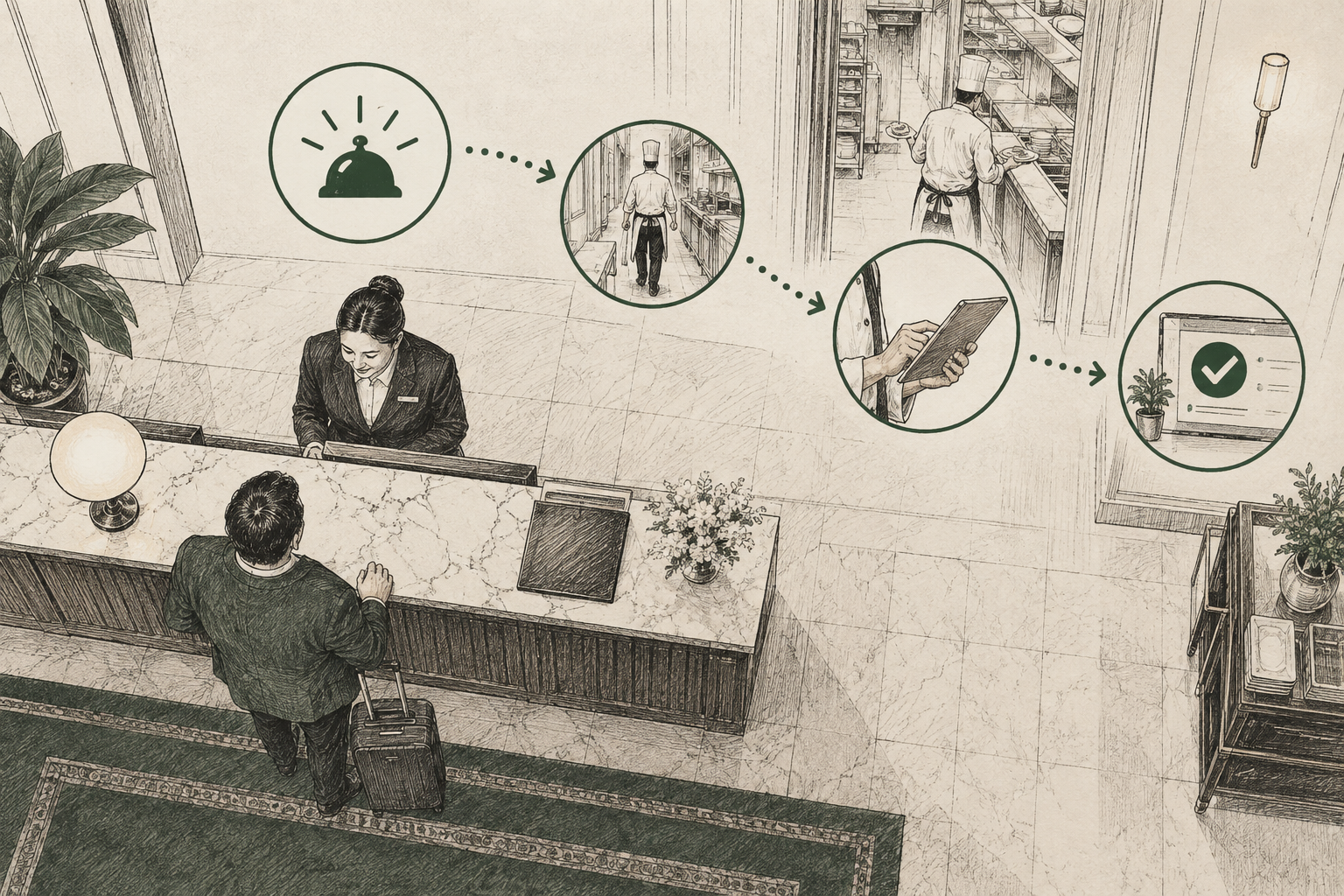
Every member interaction that requires a follow-up must pass through four distinct stages to be successful. If any of these four "jobs" fail, the service feels inconsistent to the member, regardless of how hard the staff is working.
- Notice: The system must recognize that a moment matters. This could be an arrival, a change in a reservation, or a preference noted during a conversation.
- Route: The information must reach the specific person capable of acting on it, delivered to a device or screen they are already using in their department.
- Own: A single named person must hold the responsibility. If that person goes off-shift, the system must move the task to someone else or flag a manager.
- Prove: There must be a timestamped record showing what was promised and when it was completed, allowing for accountability without "asking around."
General Managers often find that club service feels inconsistent because their systems are excellent at "Notice" (the reservation is in the system) but fail at "Route" or "Own" across different departments.
Side-by-side comparison
While both systems deal with member data, they are judged by different outcomes. Club management software is successful when the books balance and the data is accurate. Service orchestration is successful when a promise made to a member is kept across departments.
| Feature | Club Management Software | Service Orchestration |
|---|---|---|
| Core Job | Authoritative record (Billing, POS, CRM) | Context delivery and follow-through |
| Strongest At | Financial auditability and data storage | Cross-department routing and escalation |
| Action Trigger | Manual entry or specific module events | Signals (arrivals, booking changes, delays) |
| Primary Goal | Accuracy and administrative efficiency | Reliability of the member experience |
| Relationship | The essential foundation | A layer that reads from and writes to the foundation |
It is important to note that a service orchestration platform does not replace your existing software. It is a presence-aware orchestration layer that makes the data you already have more actionable for your team on the floor.
The five-scenario test for your next demo
To see if a piece of software truly orchestrates service, ask a vendor to show you these five scenarios live. Do not rely on slide decks; ask to see the "member" journey through the system in real-time.
- The Preference Signal: A member with a specific lunch preference checks in for a tee time. Does the dining room get an automatic alert before the member finishes their round?
- Cross-Department Handoff: A member tells the pro shop something for the dining team. Can the pro shop staff create an item that appears on the host's screen immediately without a phone call?
- The Shift-Change Gap: An employee is assigned a member request but then marks themselves "off-shift." Does the task automatically move to an active staff member or flag a manager?
- The Escalation Path: A time-sensitive task is left undone. Who is notified, and how long does the system wait before alerting a supervisor?
- The Visibility Audit: A manager wants to see all promises made to a new member this week. Is there one view that shows the owner, due date, and status of every item?
If your current system passes all five, you likely only need to focus on staff training and member recognition habits. If it fails on scenarios 1, 3, or 4, you have a coordination gap that orchestration is designed to fill.
How to interpret your results
Your score in the five-scenario test defines your technology roadmap. If your system handles these tasks as standard features or through available modules, your focus should be on internal process and data hygiene.
However, if your system struggles with timing and ownership—meaning tasks sit in dead inboxes or require manual "reminding" between departments—you are seeing the limit of a system of record. To understand the technical difference, you can compare workflow automation vs. service orchestration.
In smaller clubs with very low staff turnover, "people" often act as the orchestration layer. A veteran captain who remembers every anniversary is more powerful than any software. Problems arise as headcount grows or when that veteran staff member retires, leaving the club without a systematic way to maintain those high standards.
Frequently asked questions
- Is a staff app the same as service orchestration?
- No. While a staff app provides mobile access to data and broadcasts, orchestration is logic-based. It decides who needs specific context at a specific time and tracks the outcome. You can test the difference by looking at what happens to a task when an employee goes off-shift.
- Will this be another screen for my staff to check?
- Not if it is integrated properly. A well-designed orchestration layer reaches people where they already work and removes the need for manual check-ins and phone calls. The goal is to reduce the number of steps a staff member takes to fulfill a request.
- Do I need to replace my club management software to get these features?
- No, orchestration is built to read from and write back to your existing systems. Unless your core systems are failing at basics like billing or reservations, orchestration is a layer added on top to improve coordination, not a replacement for your database.
- service orchestration
- club management software
- club operations
- member experience
- vendor evaluation
- AI for hospitality
David Leibell
Published October 20, 20266 min read
Knownly
See how orchestration works with your current club systems.
Tell us where you are and we'll talk through what this looks like on your floor.
Related reading
ArticleService Orchestration
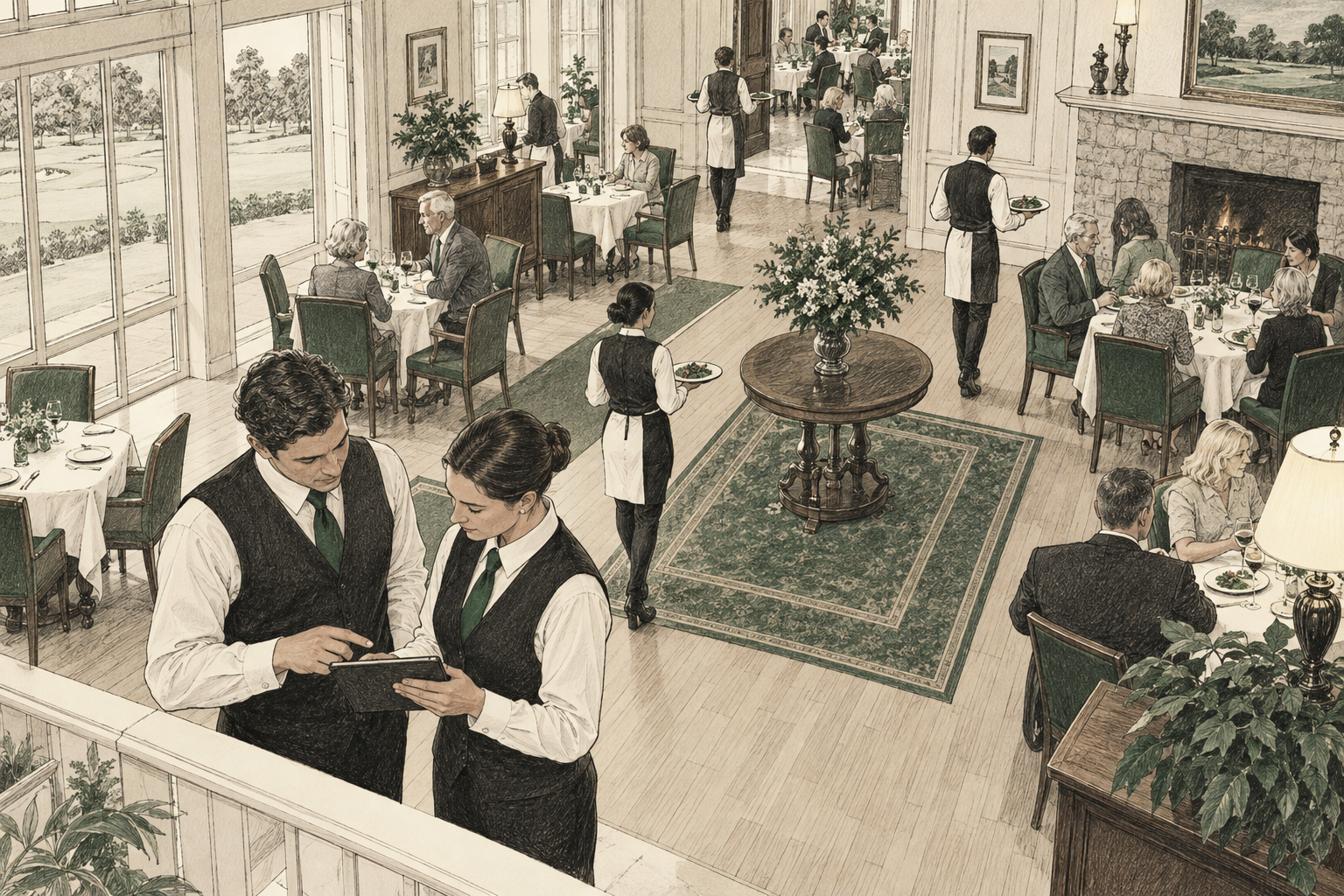
How to Improve Service Consistency at a Country Club
Improve consistent service delivery at your country club across shifts and seasonal staff using a structured handoff procedure, role matrix, and onboarding checklist.
October 29, 2026Read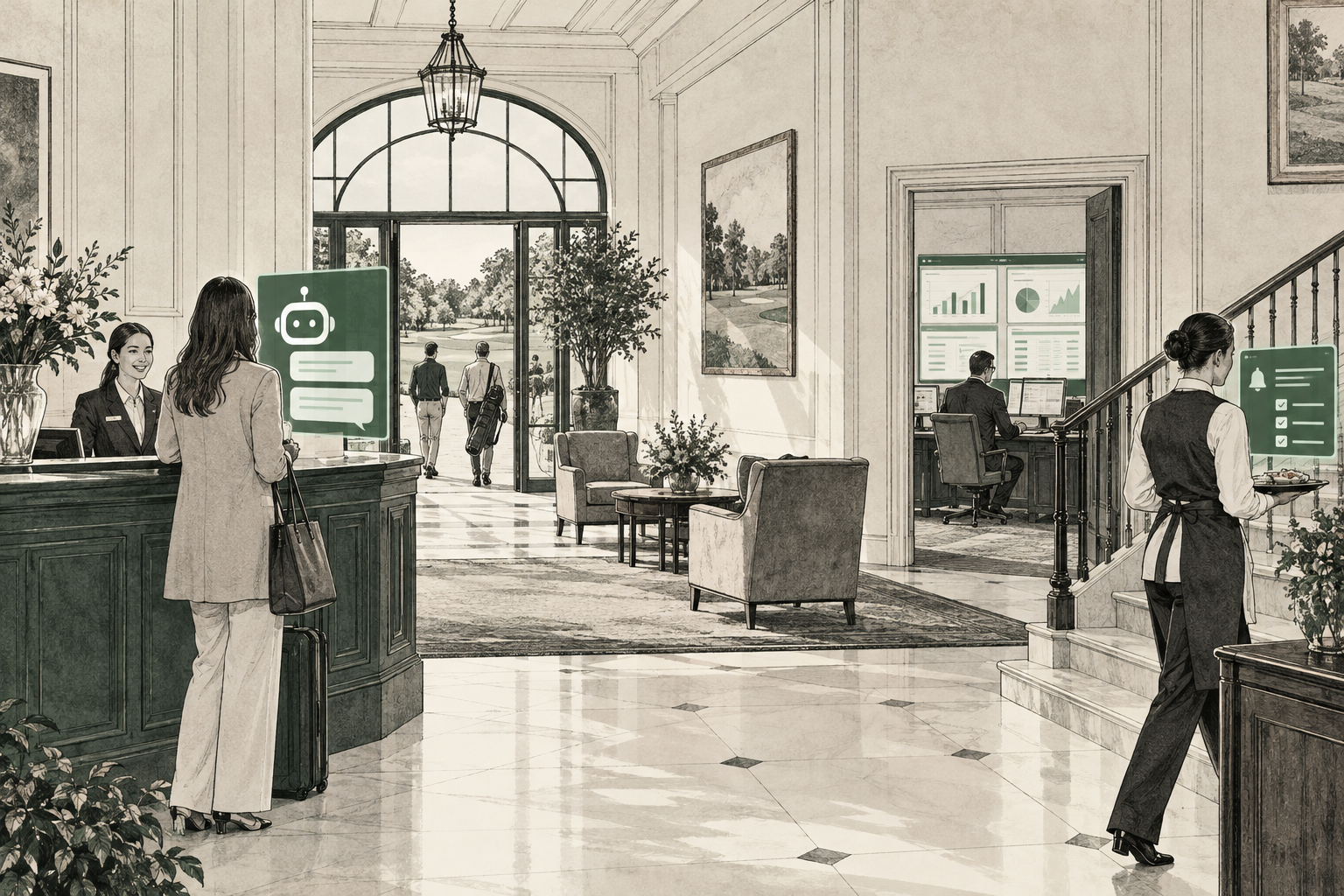
ArticleService Orchestration
Best AI Software for Private Clubs: What Each Type Actually Does
Compare six types of AI software for private clubs, from chatbots to orchestration tools, and use our buyer scorecard to evaluate vendors.
October 27, 2026Read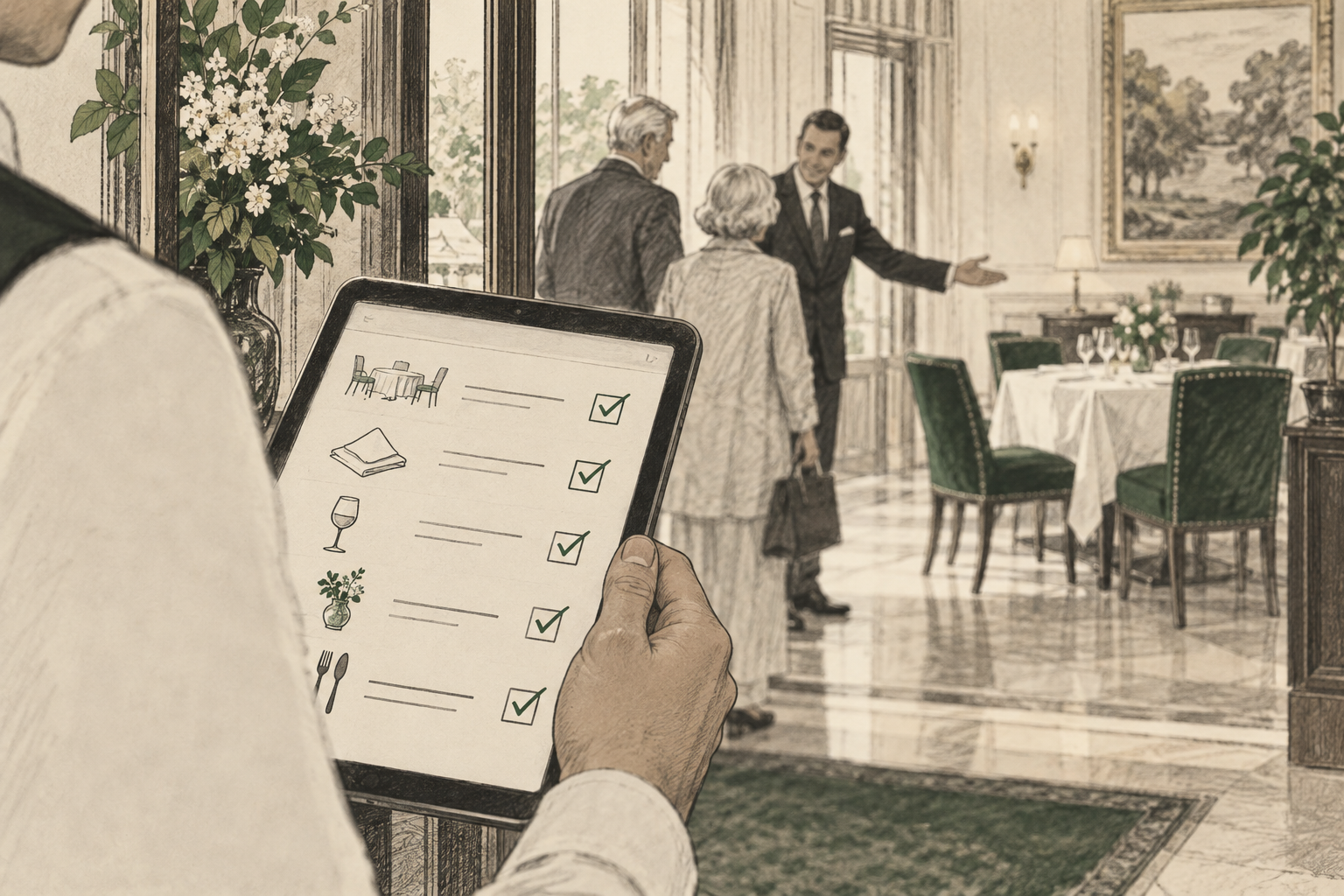
ArticleService Orchestration
Country Club Staff Communication Problems: A Practical Fix List
Country club staff communication problems usually come down to ownership. Learn how to use a six-part message loop and a practical checklist to ensure member requests never fall through the cracks.
October 26, 2026ReadKnownly
See Knownly in your club
A short walkthrough of how service standards become tasks your staff actually complete.
Book a demo